
Save & Share — from render to your feed in a tap
The magic moment doesn't end when your video finishes rendering. Videx auto-loops the result, saves it to Photos in a tap, and hands it straight to the iOS share sheet, so it's instantly usable and shareable.
An instant, shareable payoff
A generated clip is only useful if it's easy to keep and post. Videx makes both effortless: the result plays on a loop the second it's ready, one tap saves it to your camera roll, and one tap opens the share sheet. Free clips carry a small watermark; PRO exports are completely clean.
- Auto-looping playback the moment it's ready
- One-tap save to your Photos library
- Native iOS share sheet to any app
- Watermark-free exports with Videx PRO
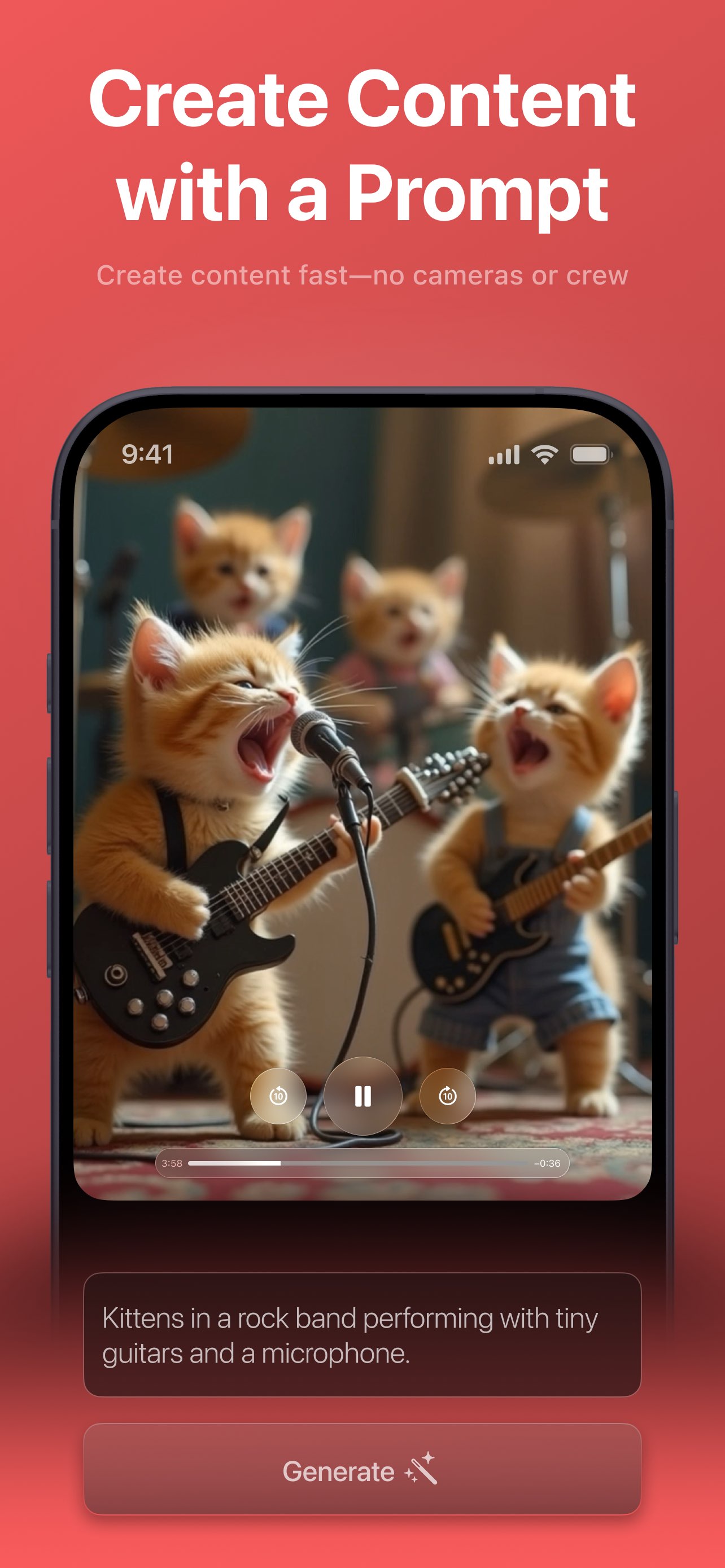
Everything you can do with a finished clip
Looping player
The result auto-plays and loops the moment it's ready, with a loading state until playback starts — so you see the payoff immediately.
Save to Photos
Tap Save to download the clip straight to your device's photo library. Videx asks for Photos permission the first time.
Share anywhere
Open the native iOS share sheet to send your video to any app or contact — Instagram, TikTok, Messages, and more.
History & reuse
Past creations live in History. Replay a clip, regenerate to reuse its prompt and photos, or delete it — with pull-to-refresh to re-sync.
Saving & sharing questions
How do I save a video to my phone?
How do I share a video?
Do saved videos have a watermark?
Can I get back to an old video?
More Videx features
Every part of Videx is built around the same prompt-and-tap flow. See what else it does.
Make something worth sharing
Download Videx, create a clip, and post it in a tap — watermark-free with PRO.
Rated 4.8 by 2M+ happy users