
Everything Videx can create
Videx is a pocket-sized video studio. Text-to-video, photo-to-video, ten one-tap styles, a transparent generation queue, and instant sharing — all wrapped in a friendly interface that needs no filming or editing skill.
A sentence in, a finished clip out
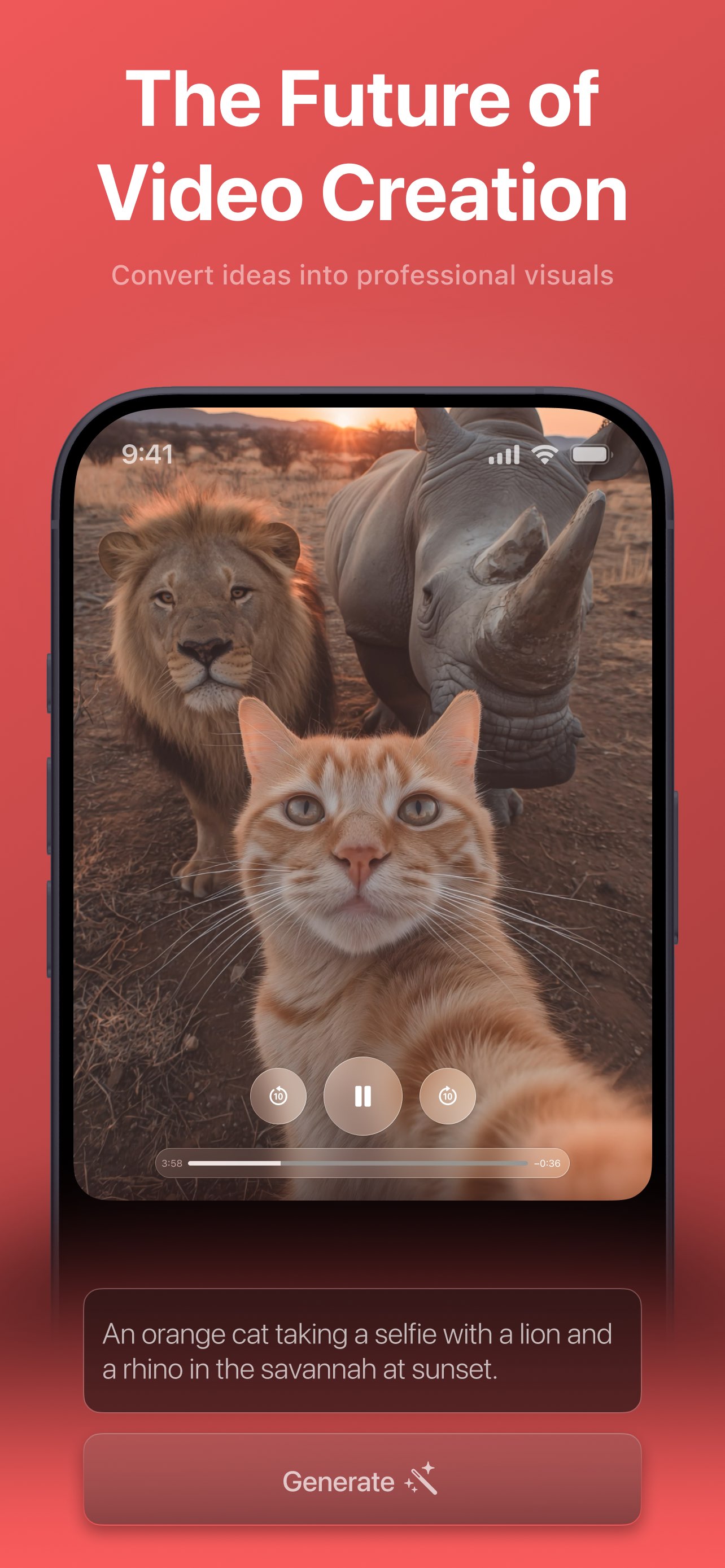
Type your idea into the “Describe your idea…” box, pick one of ten curated styles, and tap Generate. Videx enhances the prompt behind the scenes, runs the model in the cloud, and returns a looping video — with an honest queue and time estimate the whole way.
- Free-form prompt plus one-tap style recipes
- A default style means you can generate immediately
- Live “In queue, N ahead” position and time estimate
- Renders in the background while you use other tabs
Animate a photo you already have
Attach one or more reference photos and Videx turns them into motion. Images are auto-scaled to Full HD before upload, and you can pair a photo with a written prompt to steer the result toward exactly the clip you have in mind.
- Turn a static image into a moving, stylized clip
- Ground the generation in your own subject
- Combine a photo and a prompt for more control
- Perfect for pets, portraits, products, and places
The same idea, ten different videos
Browse a horizontally scrolling gallery of styles — Realism, Fantasy, Anime, Cinematic, Steampunk, Cyberpunk, Vintage, Paint, Illustration, and Pixel Art. Each is a recipe that rewrites your prompt with descriptive modifiers, so you get a polished aesthetic without any prompt-engineering.
- Ten curated styles, each a single tap
- Consistent, professional aesthetics every time
- Keep a series of clips looking cohesive
- Swap styles to explore completely different moods
Polished output, exactly where you want it
No matter how you create, every generation flows into the same delightful result experience.
Save & share instantly
Every finished clip is one tap from your Photos library or the native iOS share sheet — post to TikTok, Reels, or Messages in seconds.
Live queue & progress
Videx shows “In queue, N ahead”, an estimated wait, and a processing state, so the server-side render always feels transparent.
Keeps rendering in the background
Tasks run in the cloud and stay in sync via polling, so you can leave the tab and your video keeps processing. PRO adds priority.
Private & safe by design
No accounts or logins, explicit tracking consent, and a content-safety filter that blocks disallowed prompts before they're sent.
The universal creative loop
Describe or upload, pick a style, generate, then save or share — the rhythm is the same for every video in Videx.
- 01
Describe or upload
Type what you want to see, attach a reference photo, or do both. The prompt is optional — a style alone is enough to start.
- 02
Pick a style
Choose from ten one-tap looks in a scrolling gallery. One is already selected, so you can generate with zero setup.
- 03
Tap Generate
Videx sends your idea to the cloud and shows a live queue — “In queue, N ahead” and an estimate — then a processing state.
- 04
Save or share
The finished video opens on a loop. Save it to Photos or open the share sheet to post it anywhere in a tap.
Ten built-in video styles
Realism, Fantasy, Anime, Cinematic, Steampunk, Cyberpunk, Vintage, Paint, Illustration, and Pixel Art. Each one reshapes the same idea into a completely different video with a single tap.
Browse the stylesFree to create
Videx is free to download and start creating — no account, no credit card, no filming skills. An optional PRO upgrade unlocks unlimited, ad-free, watermark-free generation with priority processing.
Learn about PRODiscover companion apps
Right inside Videx, the AI Tools tab introduces sibling apps for image generation, photo enhancement, and face swap.
Part of AI Photo Journey — a family of AI creativity apps for iPhone and iPad.